Download

A small, calm operating system. Linux underneath, Rust everywhere else.

thir boots the Linux kernel, and everything you see after that is new code written in Rust: the desktop, the shell, the browser and the apps. I built it to learn how an operating system really works.

Free · MIT · VirtualBox, QEMU or a PC · arm64 and x86_64

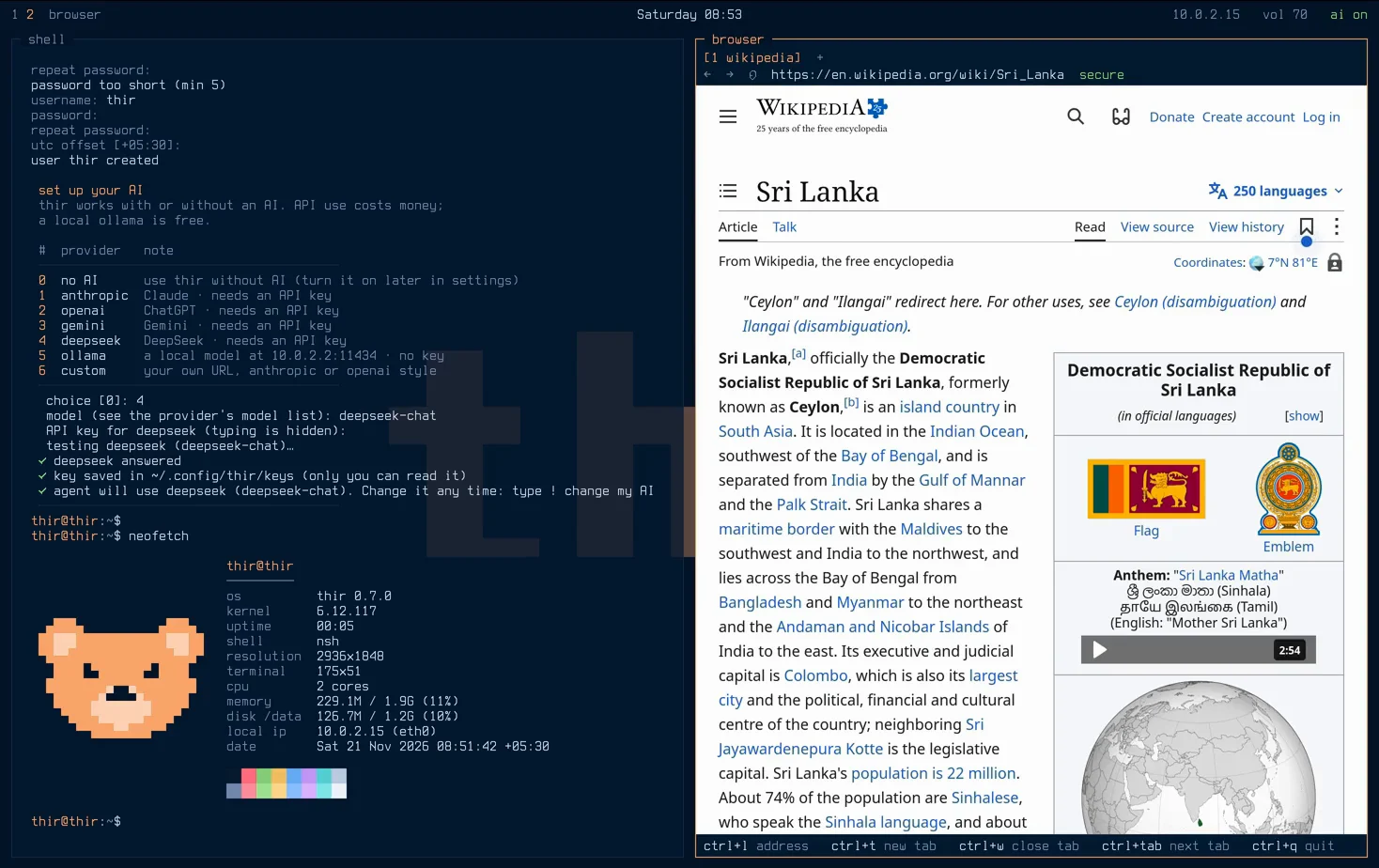
The thir desktop with two panes: a shell showing neofetch and a peach bear, and the browser showing the Wikipedia page for Sri Lanka

Not a distro. Its own system.

A Linux distribution packs the kernel together with programs other people wrote. thir borrows only the kernel. From the first process the kernel starts, every program is new and written in Rust.

YOUR APPSsmall apps the AI writes for you, when you askoptional
PROGRAMSbrowser, camera, recorder, editor, find, topthir
SHELLnsh, plus notes, calendar, clock, music and photosthir
DESKTOPden: tiling panes, mouse, clipboard, permission promptsthir
STARTinit: mounts the disks, starts and watches everythingthir
KERNELLinux 6.12.117, unmodifiedborrowed
HARDWAREVirtualBox, QEMU, UTM or a real PC from USB

A desktop made of panes

Split the screen with one key and move between panes with the arrows. No windows to drag around and nothing to arrange. Plain shells are a little see-through, so the wallpaper shows; full-screen apps go solid.

  • Option+Enternew pane
  • Option+arrowsmove between panes
  • Ctrl+Shift+Ccopy, shared with the browser
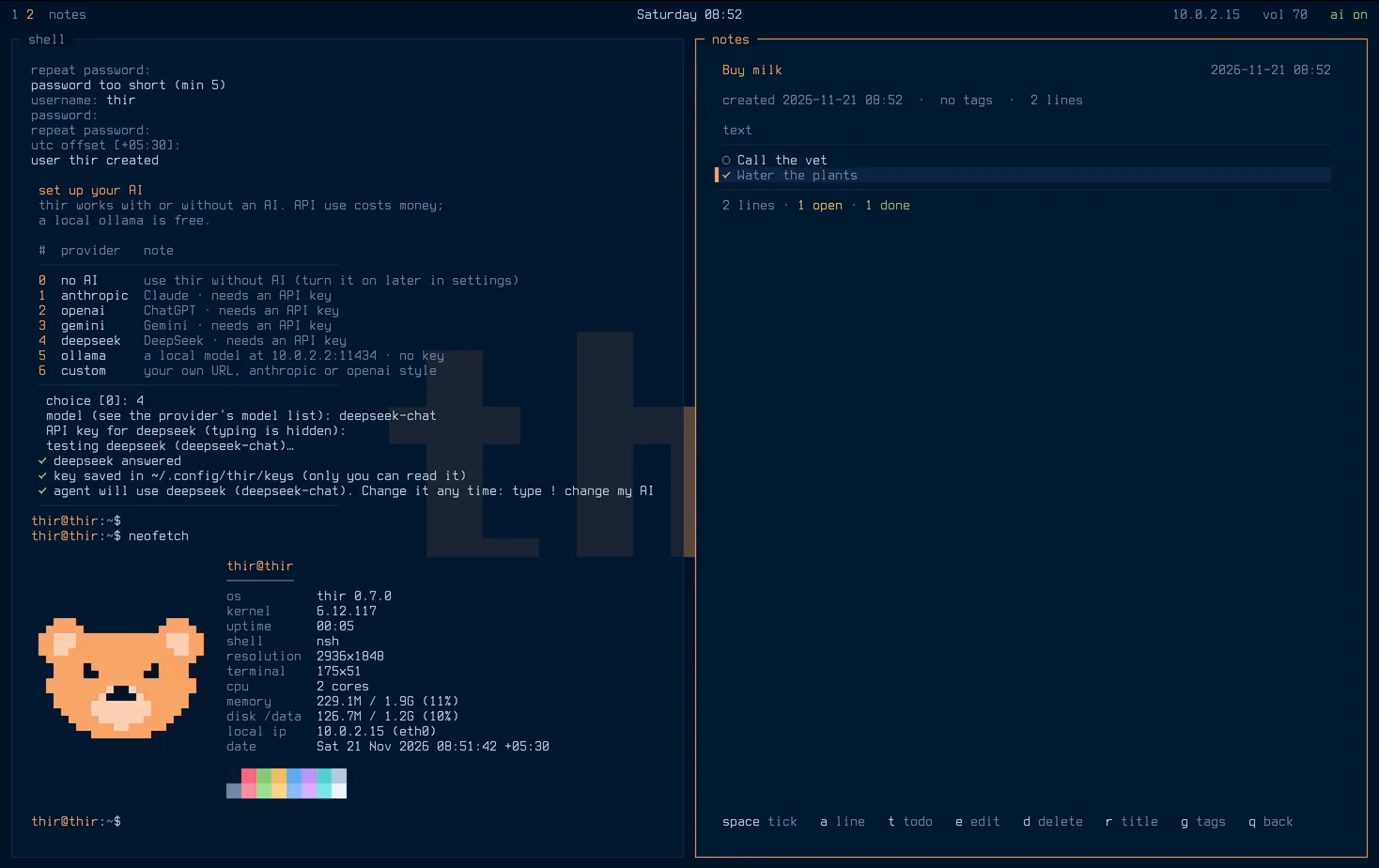
Two panes: a shell on the left and the notes app with a short to-do list on the right
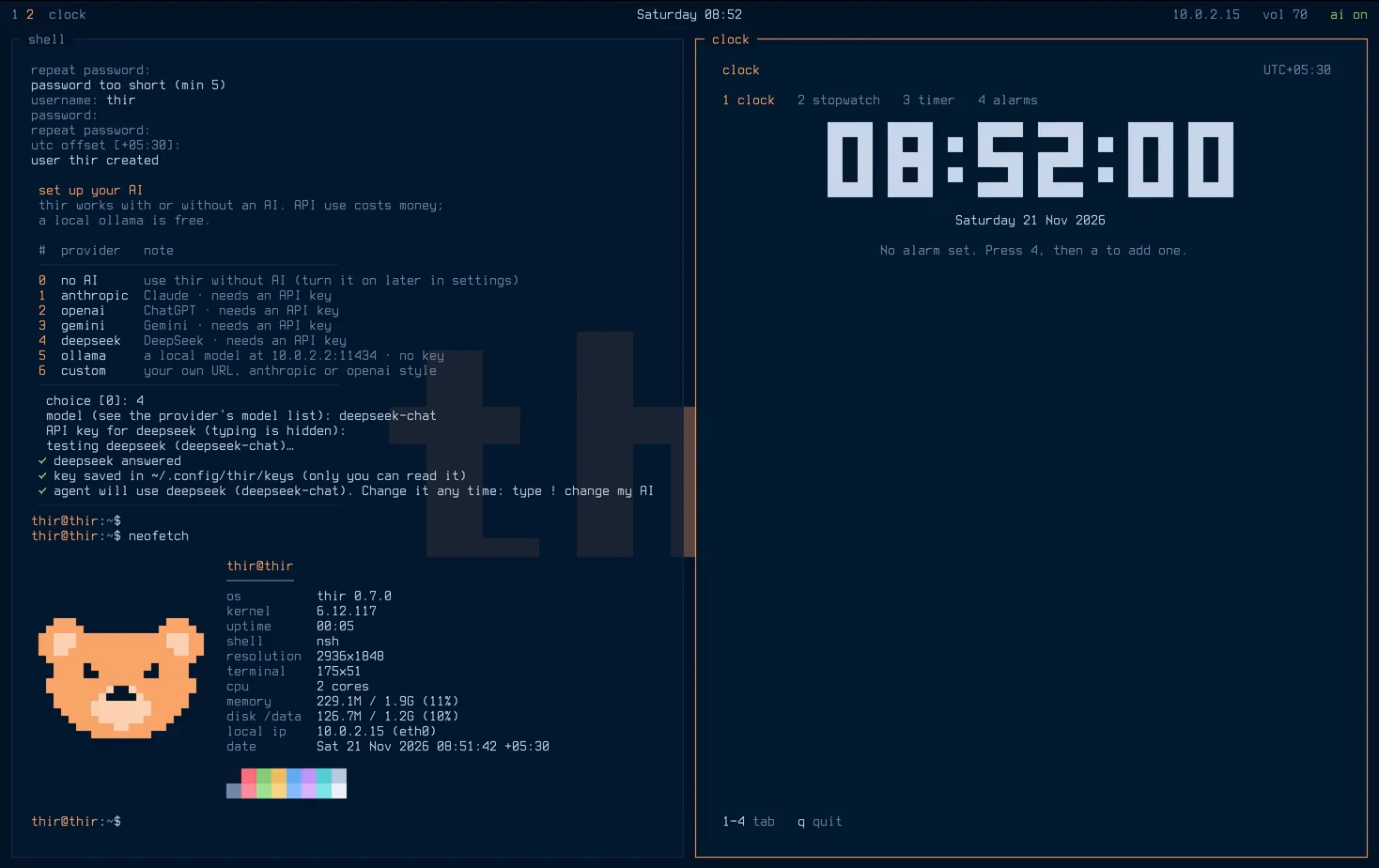
The clock app with large digits beside a shell
Clock, stopwatch, timer and alarms.
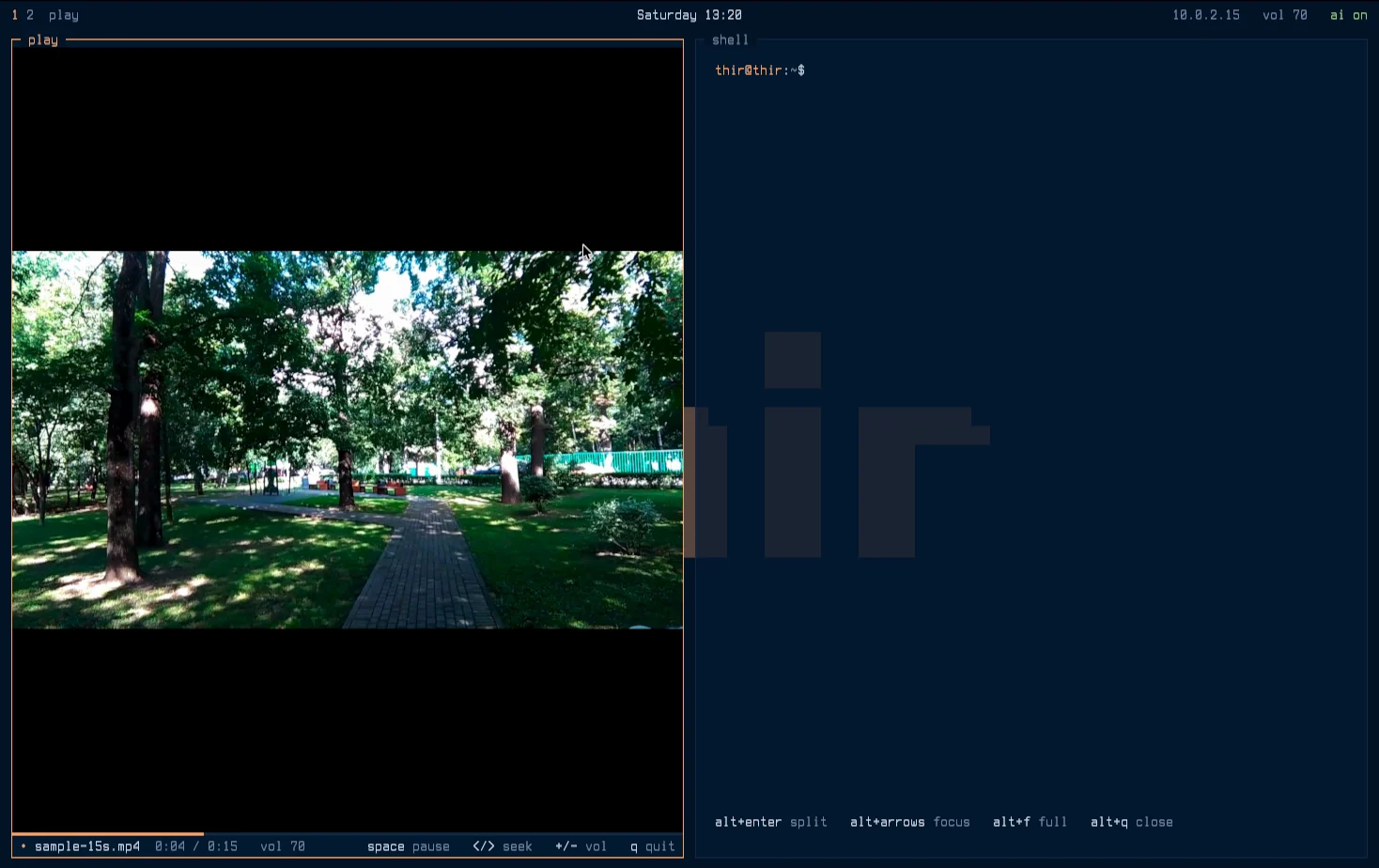
The video player showing a park, next to an empty shell
Music and video play in a pane. view shows your photos.

A real browser, with video

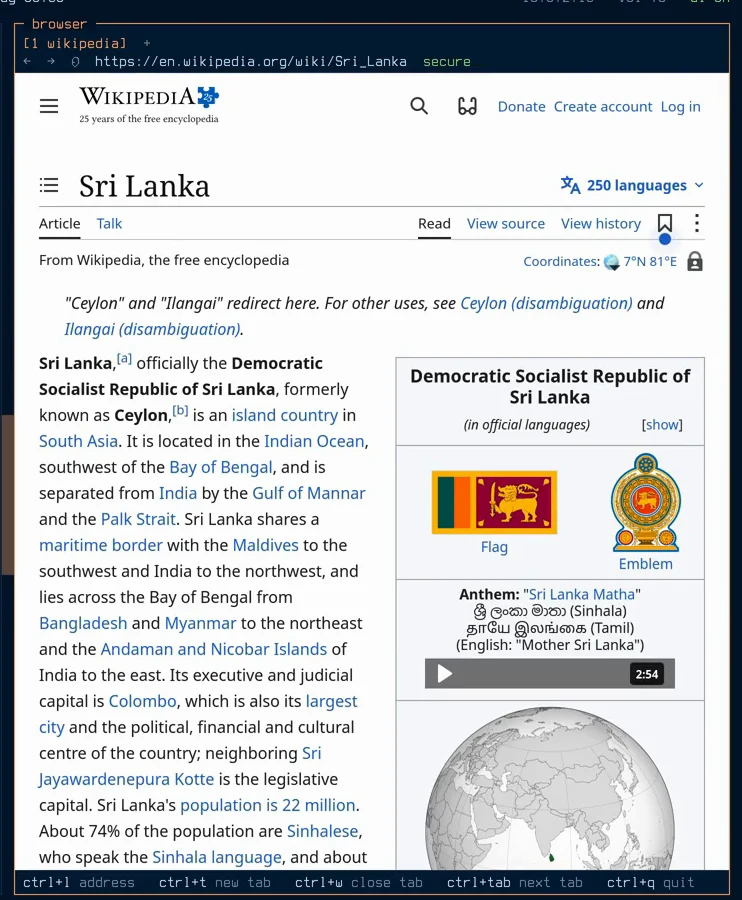
The browser is WebKit, drawn by thir's own window code. It has tabs, find, downloads with pause and resume, history, and it plays YouTube with sound. Each part runs in its own sandbox, and downloads only ever land in ~/Downloads.

The thir browser pane showing the Wikipedia article on Sri Lanka, with tabs and a secure address line

An AI that asks first

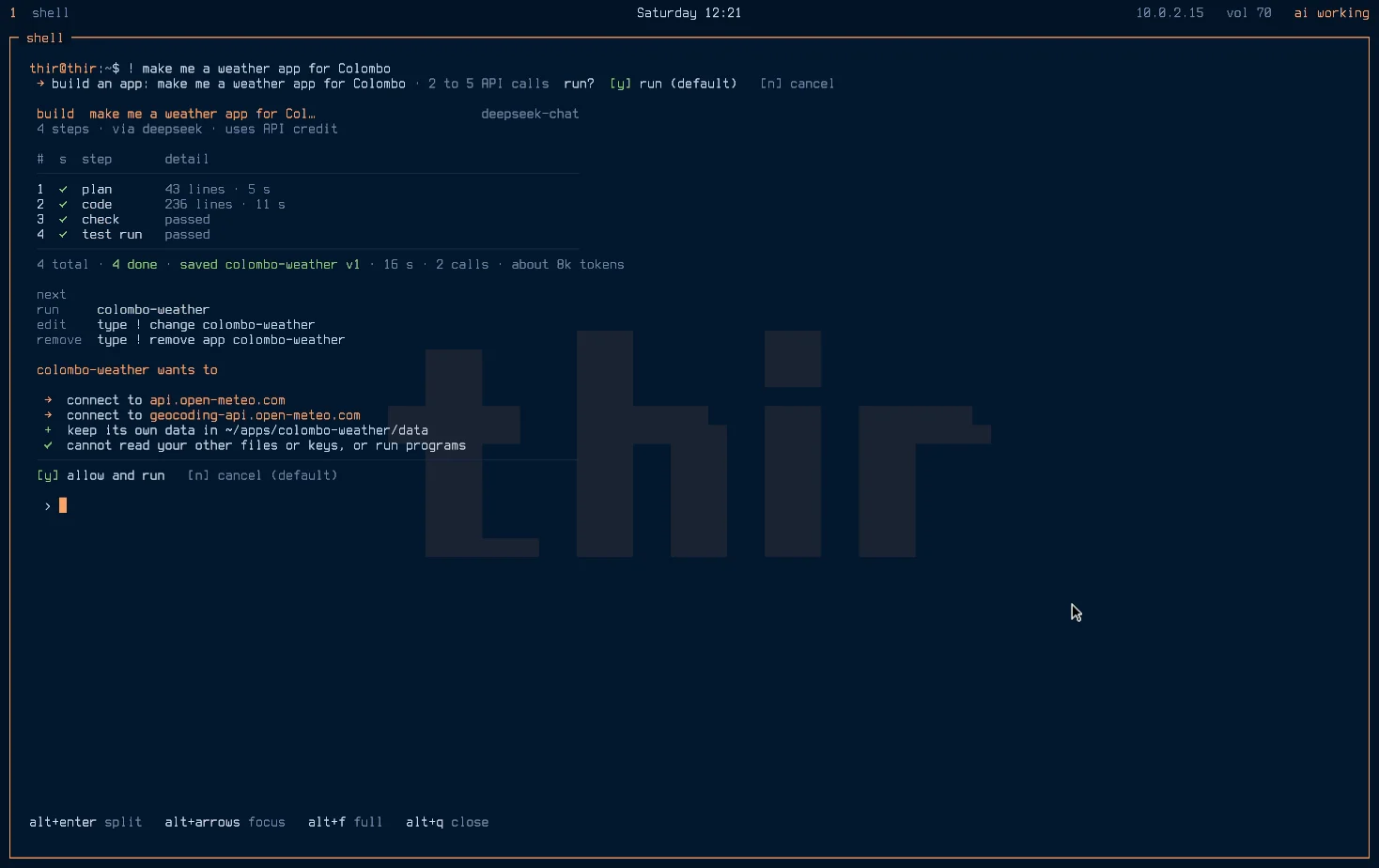
Type ! and say what you want: ! move my notes into docs or ! make me a weather app. thir shows exactly what it will do and waits for your yes. It can even write a small app for you, and the app has to ask before it uses the network.

The AI is optional. Choose "no AI" at first login and thir never talks to one. If you turn it on, you bring your own key.

The shell after the AI built a weather app, asking for permission to connect to a weather service
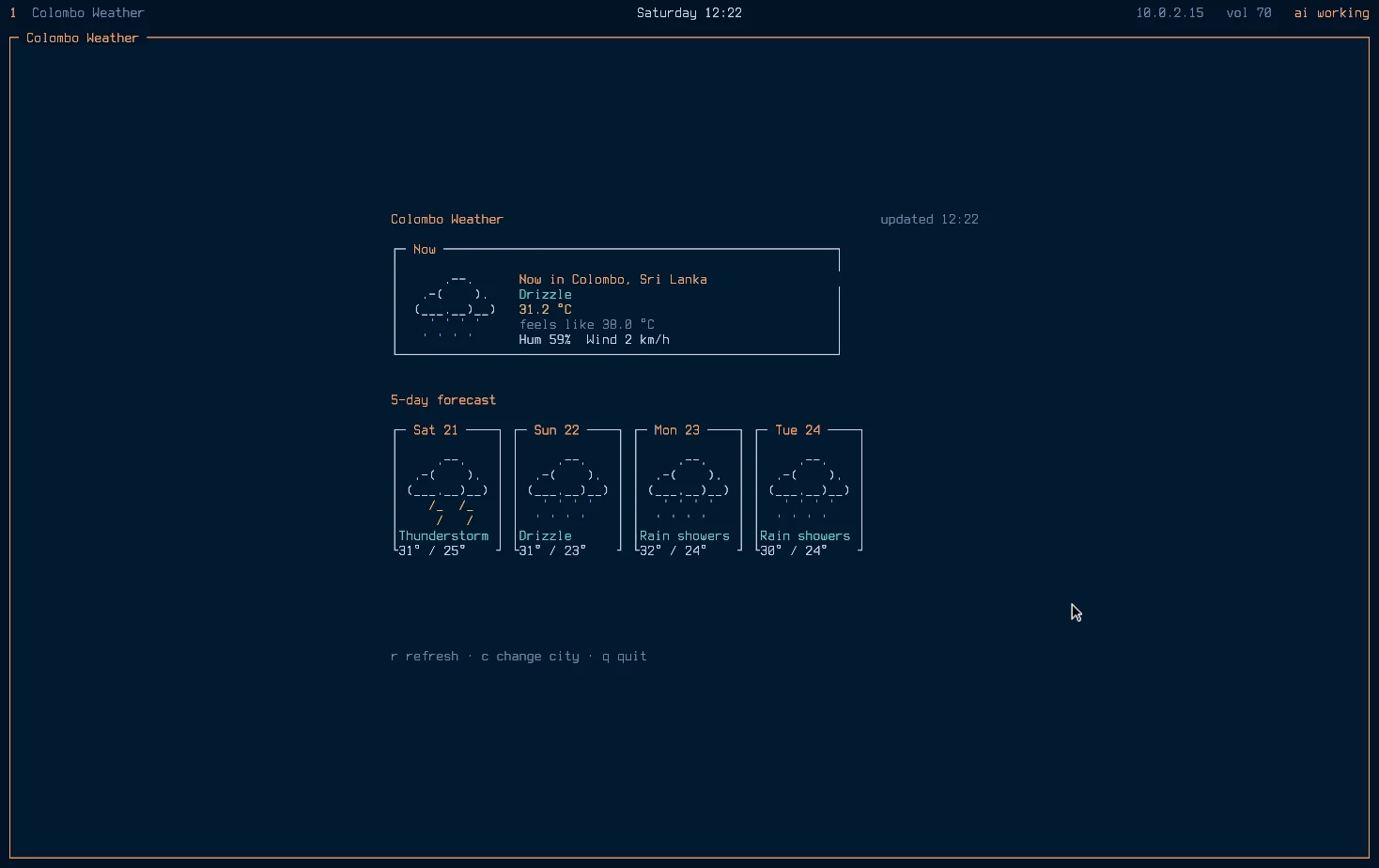
A weather app for Colombo that the AI wrote, showing today and a four-day forecast
A weather app the AI wrote in about a minute.
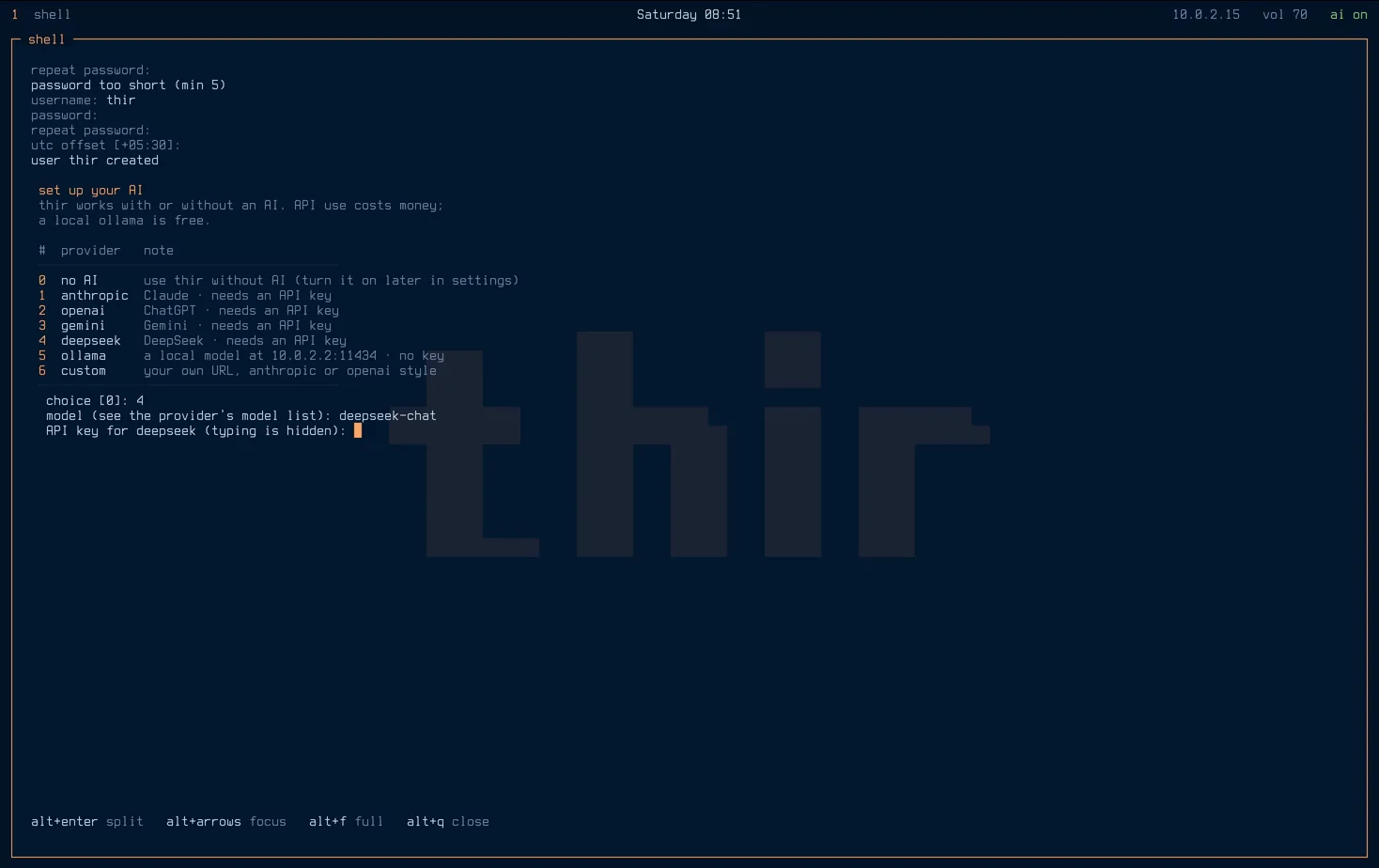
First login: choosing an AI provider, or none
Pick a provider, a local model, or none at all.

Private, and it asks you

Your files stay on your disk. Before any app can use the microphone or the camera, thir asks you in its own top bar, and a red light stays on while it records. The question comes from the system, so an app can't fake your answer.

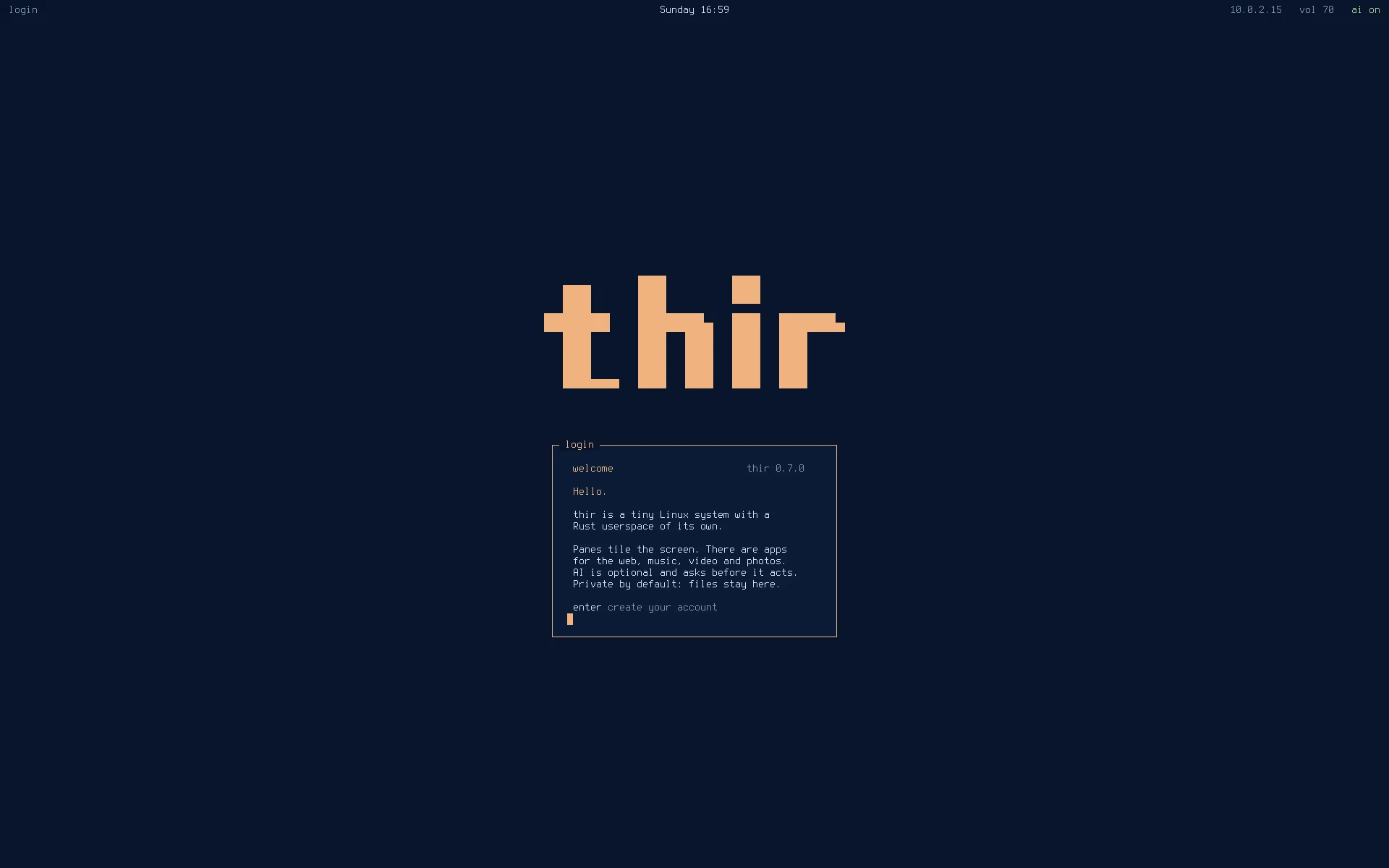
thir's first-boot welcome screen with the pixel wordmark and a short explanation

See it move

One minute: first login, the desktop, notes, the browser, the AI building an app, and a video.

Try it in five minutes

Pick the file for your computer, import it into VirtualBox and press Start. Give the VM 2 GB of memory and 2 CPUs.

thir-vbox-arm64.ovaVirtualBox on a Mac with Apple Silicon150 MBDownload
thir-vbox-x86_64.ovaVirtualBox on Windows, Linux or an Intel Mac156 MBDownload
thir-arm64-uefi.img.xzUTM or QEMU on ARM148 MBDownload
thir-x86_64-uefi.img.xzA real PC, from a USB stick154 MBDownload

Check your download with SHA256SUMS. For a USB stick, follow INSTALL.txt: dd erases the disk you name. Wi-Fi doesn't work yet, and thir hasn't been tested on much real hardware.

Build it yourself

On a Mac with Docker and QEMU. The first build compiles WebKit and takes a few hours; after that, a build takes about a minute.

git clone https://github.com/Adhishtanaka/thir
cd thir
./build.sh              # the full thir
./run.sh gui            # start it in a window
THIR_SMALL=1 ./build.sh # a tiny version without the browser

Questions

Is thir a Linux distribution?

No. A distribution packs the Linux kernel with existing programs like GNU tools, systemd and a package manager. thir takes only the kernel. Everything above it is new code written in Rust.

Is it free?

Yes. thir's own code is MIT licensed. The Linux kernel is GPL-2.0, and WebKit, GStreamer and ffmpeg are LGPL. Source links are in each release.

Do I need an AI key?

No. Choose "no AI" at first login and everything works without it. If you want the AI, bring a key from Anthropic, OpenAI, Gemini or DeepSeek, or run a local model with Ollama.

Can I use it every day?

It's a learning project, so probably not. It works well in a VM, but Wi-Fi doesn't work, the browser doesn't update itself, and it hasn't been tested on many real PCs.